Customer starts at your shop
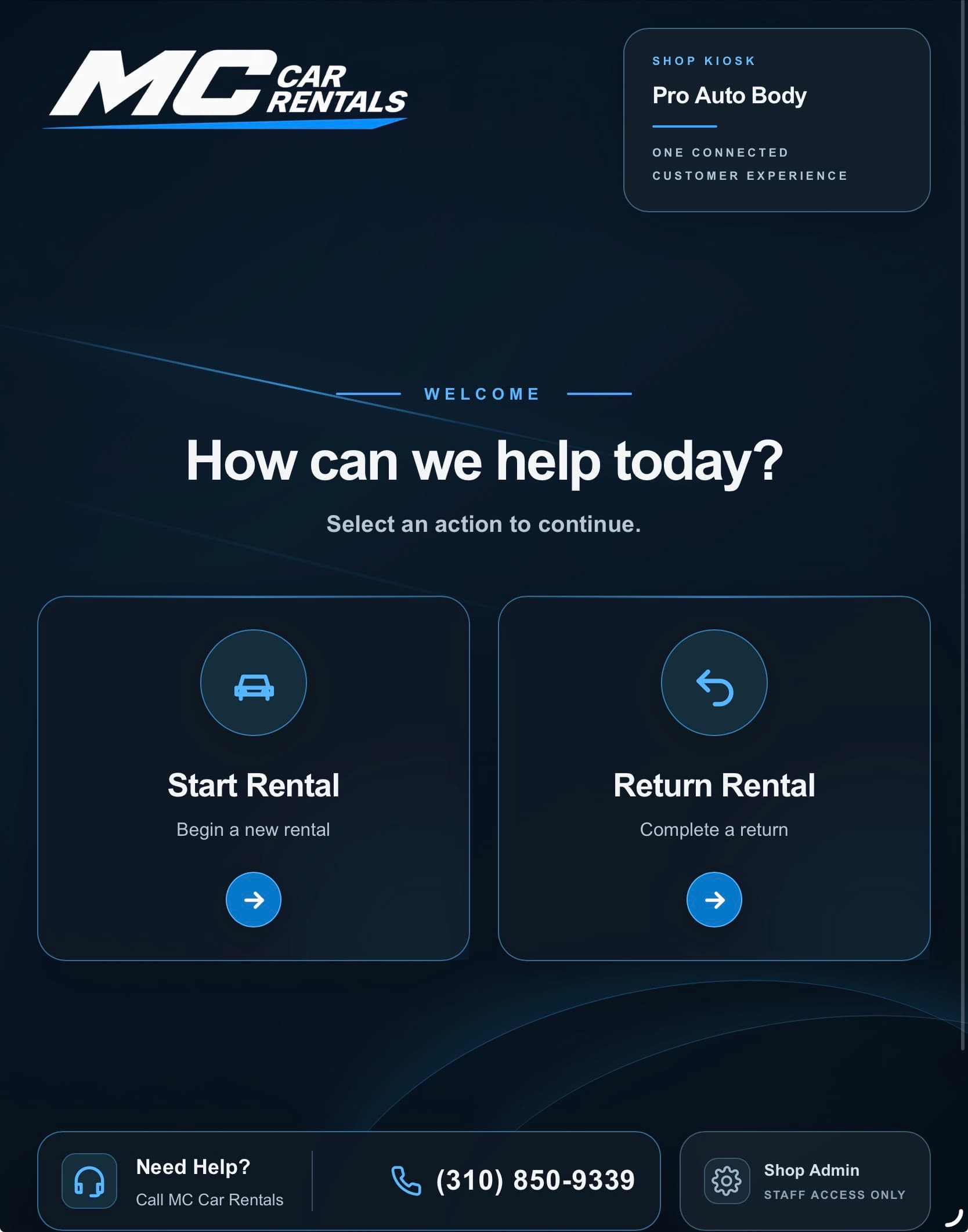
The rental begins on the MC iPad.
The customer can begin the rental process at the collision center without leaving the repair location.
How it works
MC Car Rentals brings the rental workflow and vehicles to your location so the customer can move from repair drop-off to a rental vehicle without making a separate rental-counter stop.
The customer journey
The process is intentionally guided. The customer completes the digital intake on the MC iPad, shop staff handles a short handoff, and the rental moves through documentation, agreement and release.
Customer starts at your shop
The customer can begin the rental process at the collision center without leaving the repair location.
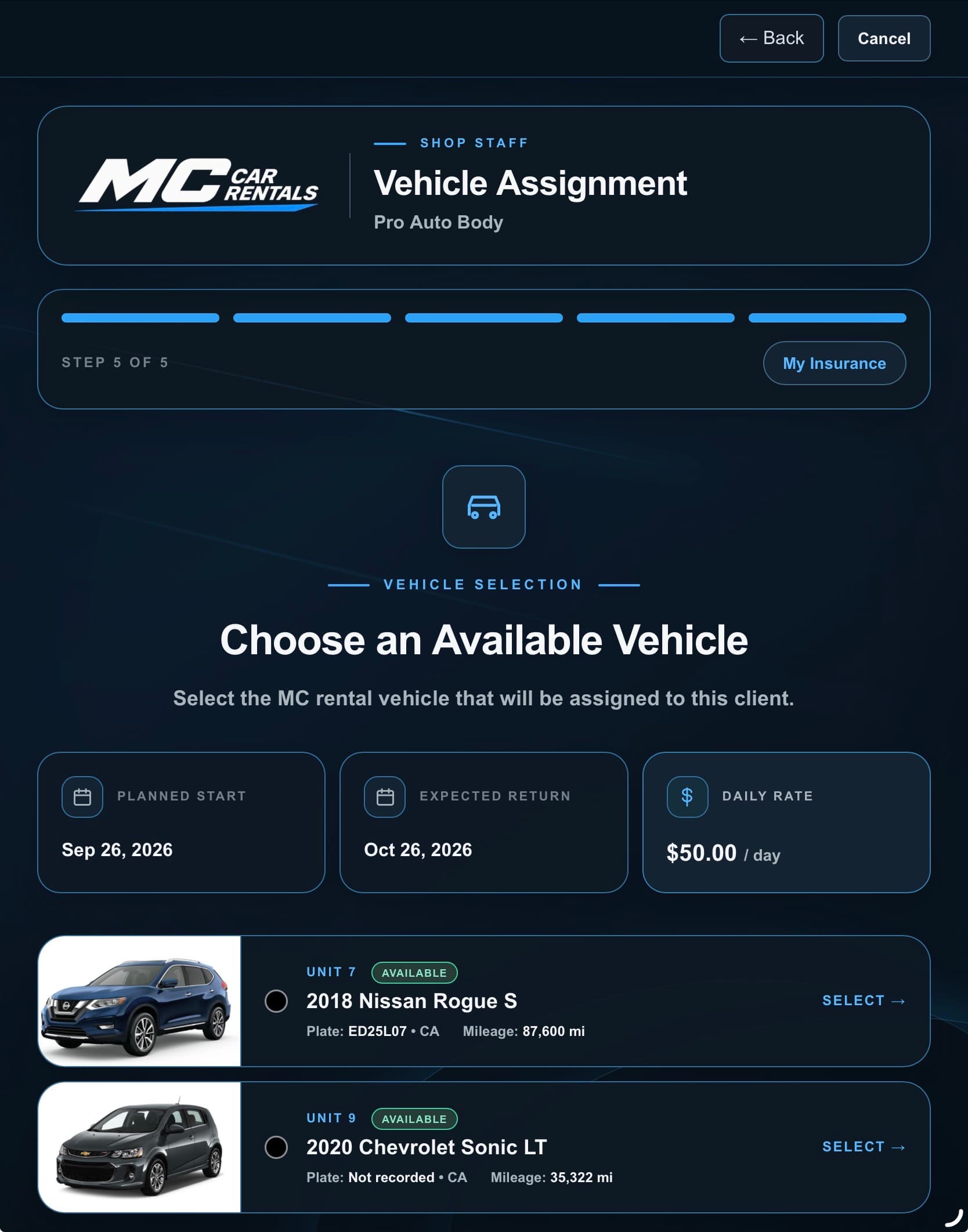
Vehicle selection
The customer and shop can see the vehicles currently available for the rental, including the actual MC fleet assigned to the location.
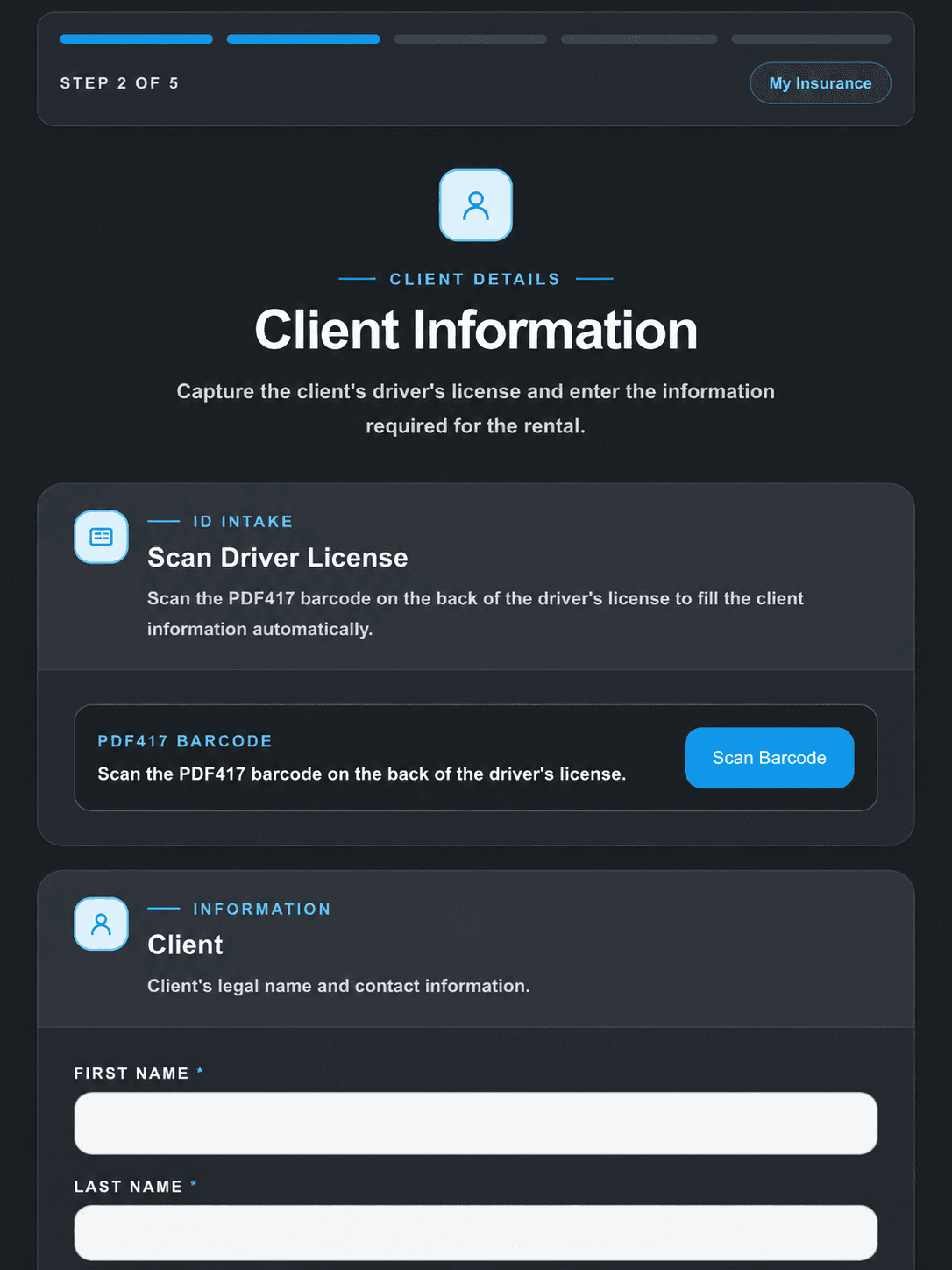
Digital customer intake
The customer completes a structured intake experience at the shop, including the information needed to move the rental forward.
The shop handoff
The collision center is not being asked to become a rental company. The workflow is designed so your staff has a clear, limited handoff while MC supports the rental operation.
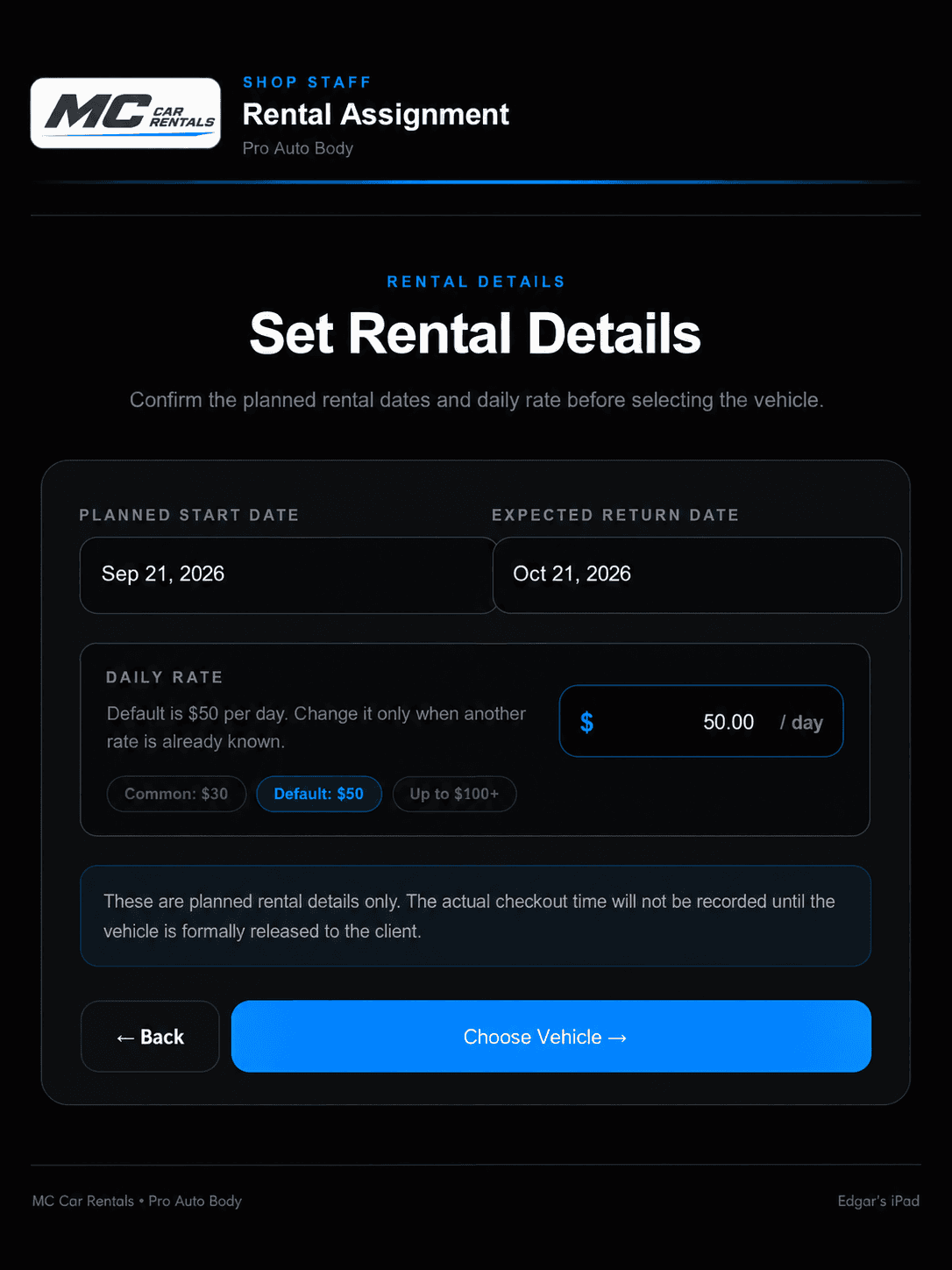
Vehicle documentation
Required vehicle photos and inspection information are captured so the checkout process is documented before the keys are released.
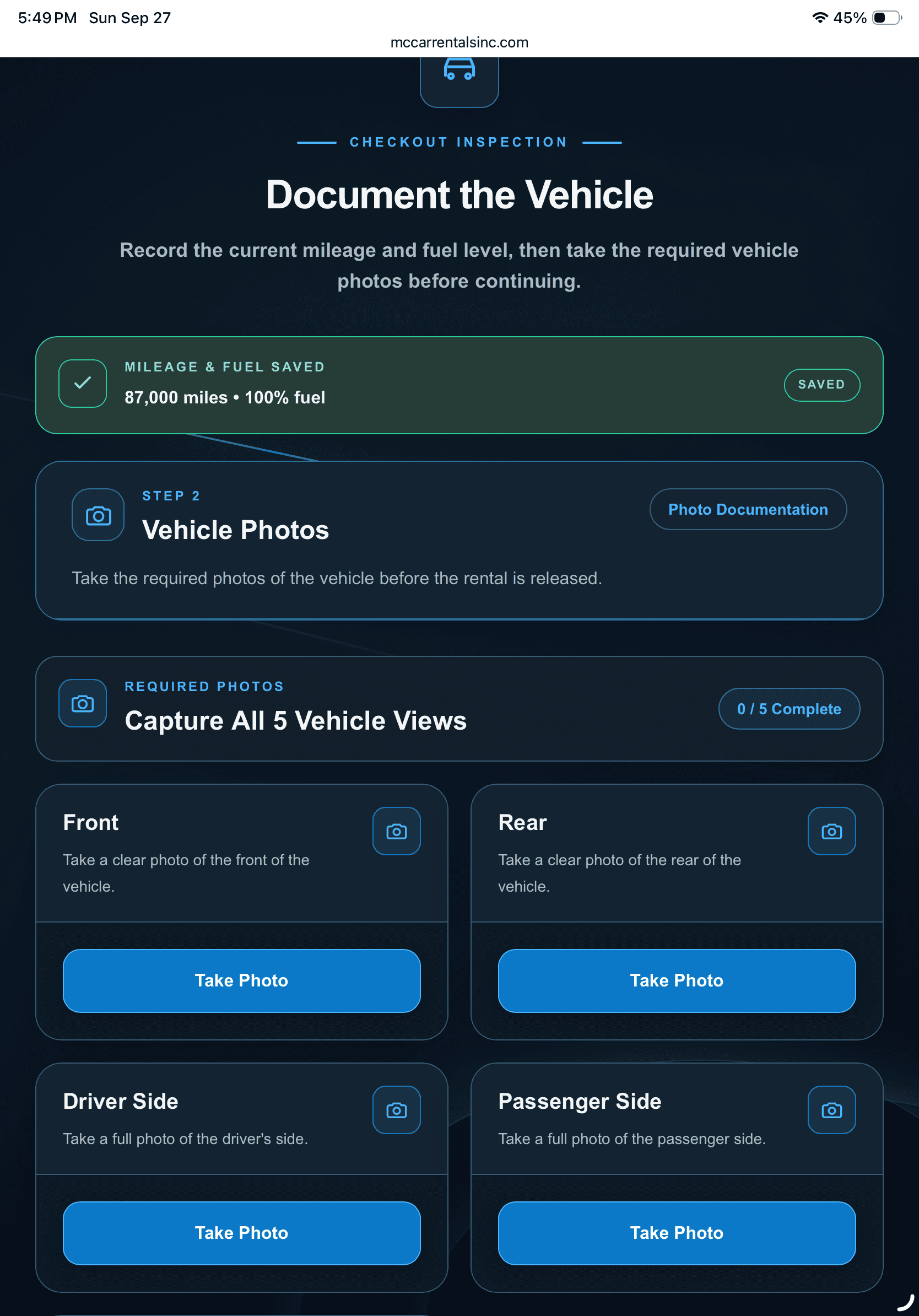
Agreement & signature
The customer reviews the rental agreement and completes the digital signing process as part of the same guided workflow.
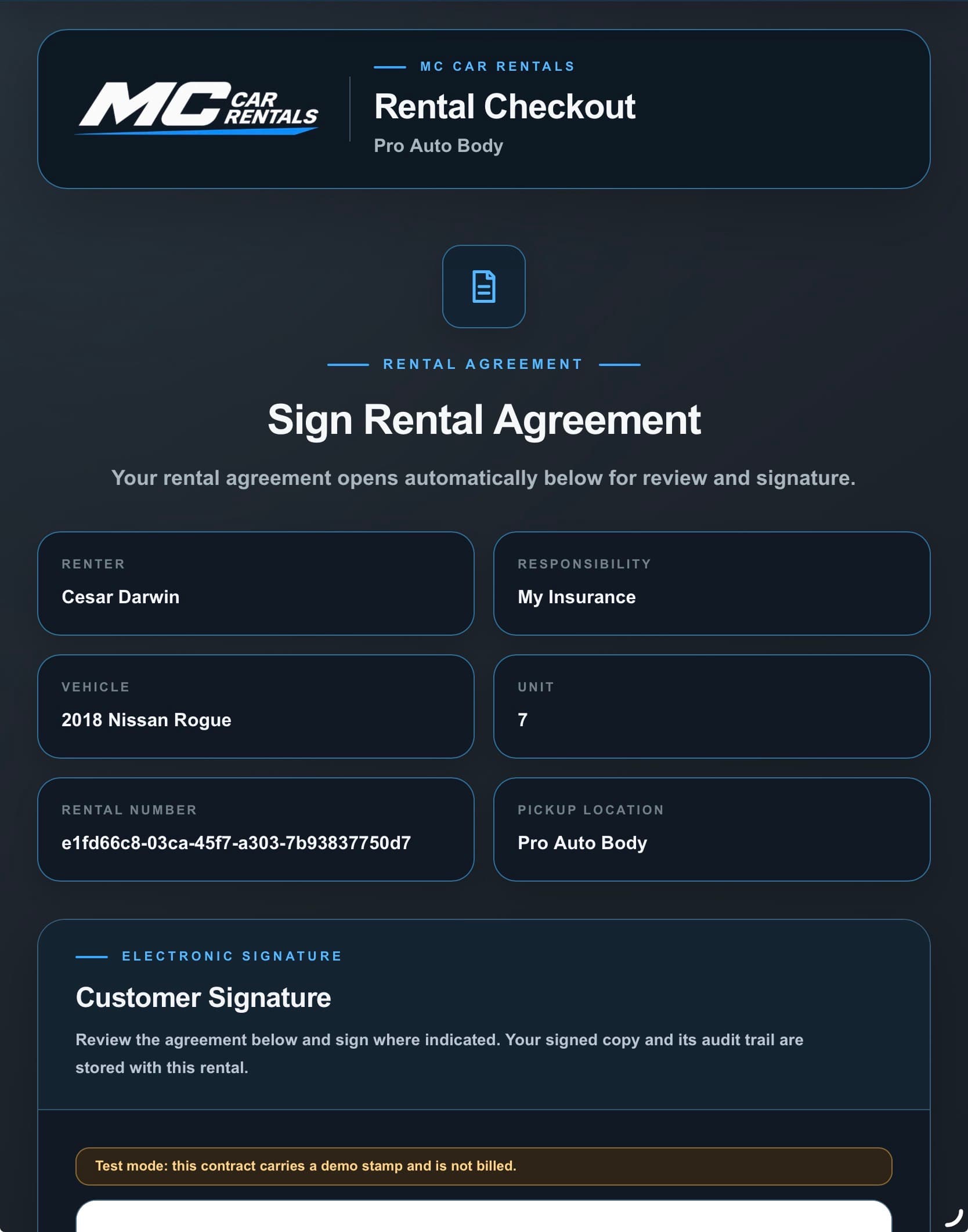
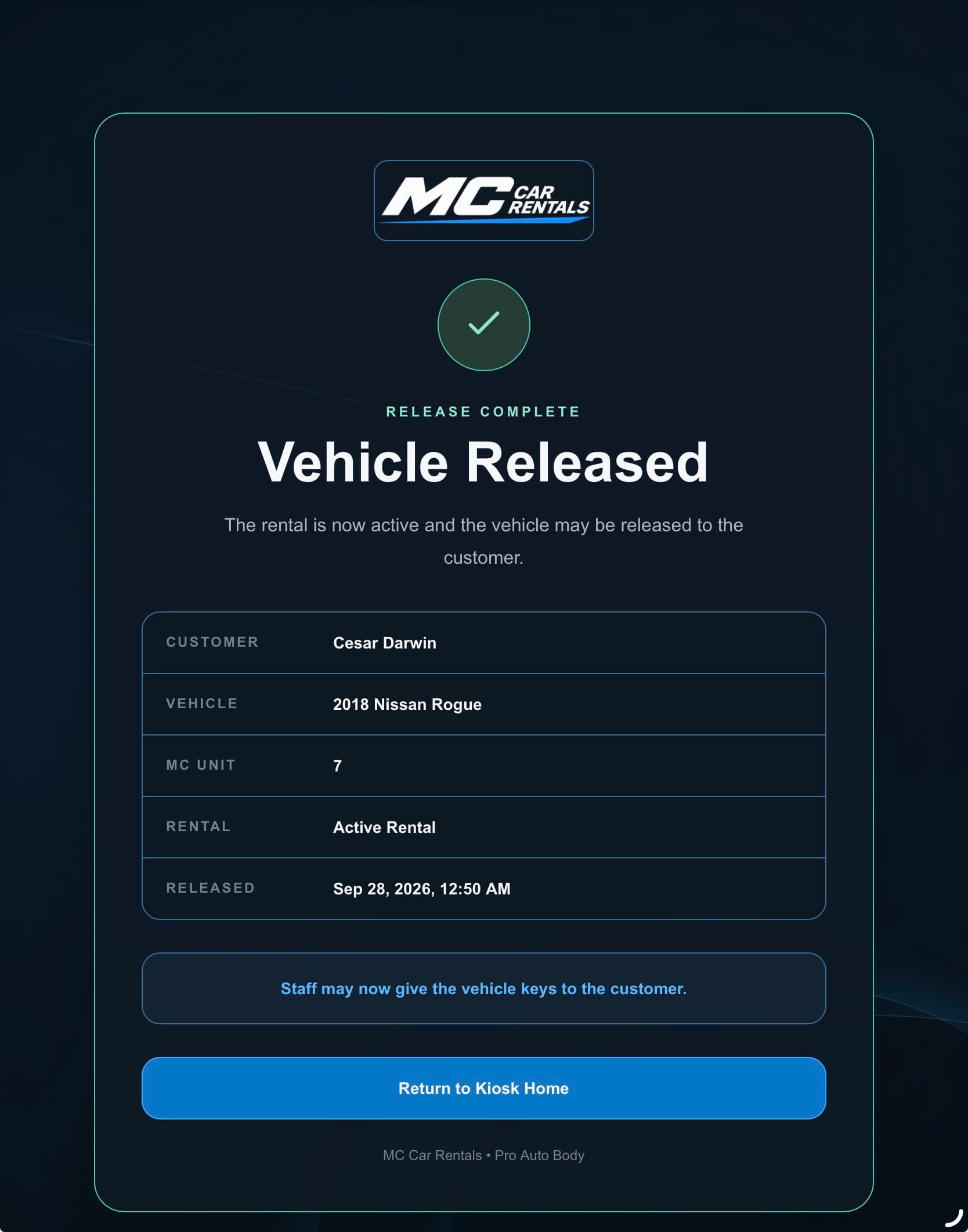
Final release
A final release review confirms the customer, vehicle, inspection and signed agreement before the rental becomes active.
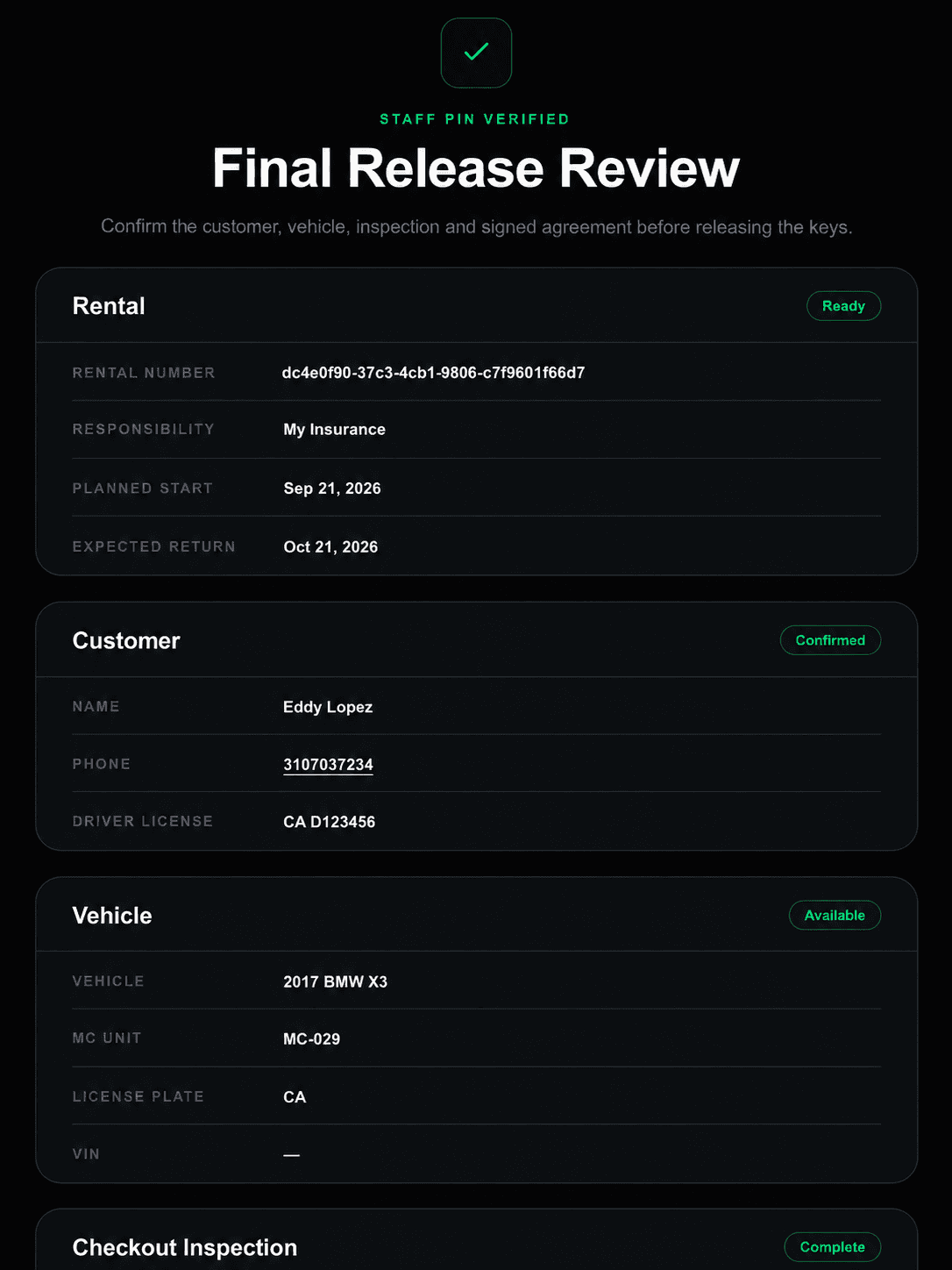
Rental active
Once the release is confirmed, the rental becomes active and the approved vehicle can be handed over to the customer.
Why the model matters
For insurance-paid rentals, the daily rental rate stays aligned with the carrier-approved amount so there is no rental-rate difference for the shop or customer to cover.
Other rental responsibilities, if any, remain subject to coverage and the rental agreement.MC vehicles positioned at participating locations can create opportunities for routine maintenance, service and qualifying repairs, including eligible collision work when an MC rental vehicle is damaged.
Service and repair assignments remain subject to program terms and applicable approvals.A better rental experience starts at your shop